
Fritzbox tuning guide
How to give priority to important devices in the WLAN
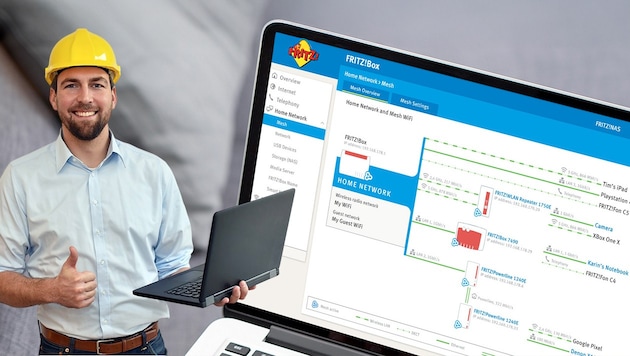

In Wi-Fi, the available data rate is generally distributed evenly between laptops, games consoles and the like. But if the kids are playing online while you're taking part in an important video conference, things can get jerky. However, a few simple settings can prevent such a scenario. We show you how in our tuning guide for Fritzbox routers.
 Kronen Zeitung als bevorzugte Google-Quelle hinzufügen
 The more devices there are in the (Wi-Fi) network, the greater the likelihood that they will get in each other's way in terms of data flow or response times to server requests (ping) - and thus not function optimally. If the Netflix stream bumps from time to time, for example, this is annoying, but not as bad as when Zoom meetings crash or a stable connection to the company network cannot be established. The Fritzbox "Prioritization" function provides a remedy, which can be used in the router settings to specify exactly which devices or applications are given priority when the Internet connection is fully utilized.
In our example scenario, we will show you step by step how to ensure that home office computers are always given priority in the home Wi-Fi network. In addition, the children's games console should also be prioritized - but only when the company laptops are idle. Such prioritization is also recommended if TV, home cinema or other video and audio equipment are dependent on the Internet.




















Da dieser Artikel älter als 18 Monate ist, ist zum jetzigen Zeitpunkt kein Kommentieren mehr möglich.
Wir laden Sie ein, bei einer aktuelleren themenrelevanten Story mitzudiskutieren: Themenübersicht.
Bei Fragen können Sie sich gern an das Community-Team per Mail an forum@krone.at wenden.